The Lonely Mountain

The Lonely Mountain

Tuesday, 1 April 2014

Rigging the 'Tree-Hand' model

After finishing the 3D model of the Tree-Hand, it was onto the rigging. Treated the rigging as a normal human hand, with dual joints for better deformations. Made sure all the joints were orientated the same way:

Done a quick test once some of the joints were in place to check the fingers/branches were moving in the right direction:

Checking the joint orientations as I go:

All the joints in place and in the right hierarchy, next step was to Bind Skin of model to the joints:

Weight painting - came across a problem at first where weights I had just painted were being re-distributed when I moved onto another joint to weight paint, fixed the problem but locking the weights in the paint skin weights tool:

Continued painting skin weights:

Made sure the branches on the back of the hand only moved with the wrist joint so that they would still stand up fairly straight when the hand is first curled up and distorted:

The next step was to add controls for the joints, I colour-coded them for each finger/branch to make selecting them less difficult to see:

 Testing out the finished rig and controls:

Last step was to add a Global Control, which allows the rig and model to be scaled, moved and rotated together when imported/referenced into a scene:


- Lilly

more red..

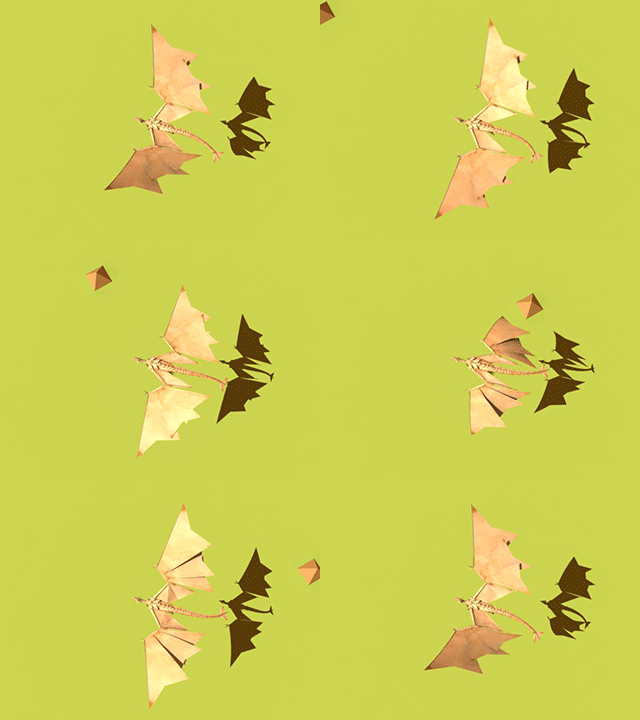
....less head movement and a different tail... also Toms new Rig... I swear this looks great from the right angle!


Monday, 31 March 2014

Dragon Updated..

wee bit more wing movement.. and reduced neck sticky-out-ness ... just noticed the wings intersect! arrg!


as mentioned on FB .. "first attempt.. sort of Dragon cum lizard fish.... errr.. was trying to keep some sense of weight and size.. hence quite slow... thoughts welcome!"


Shot Checklist

The Shot List, for checking off each stage of the 4 shots, is now up on the Going Live board in the studio (Just follow the dragons). This should help us all keep track of each shot and how far through production we are:


- Lilly

Dragon Rig

Here is a bit of a break down of the rig I've created for the dragon.


 Here are the controllers for the tail. The circular ones run the whole length of the tail and allow each section to be posed individually. Or if you want one big even curve the square controller rotates them all at once using set driven keys.


The wee squares allow for a bit of control over the curve of the spine. Not for anything too major but good for little subtleties.


The body controller. That big box allows you to move the body up and down and tilt it without moving the feet or the head if it’s in IK mode. Good for up and down movement in flight cycles and stuff. 


I put in an IK FX switch for the head. This means that in FK mode the head can be positioned using controllers along the neck, or in IK mode the head will stay more or less where you put it even if the body control is moving, which is good for that sort of bird like movement.

 The feet have an IK rig in them in the lower half, allowing you to place them where you like without too much fuss.
 The hip swivels separately which adds more control there.


There are also two set driven key type extra attributes, one to make a grabbing motion and one that will allow a bit of squash for when the dragon lands from flight.


The wing has rotation controllers at the shoulder, elbow and wrist.


The one at the wrist also allows the wing sections to stretch out or fold over each other, and can give a nice curve along the spines, all of which I set up in the connection editor. 


 The spine bit for the inside section has an aim controller in case things get a bit messy when you’re posing the rest of the wing, and I used a bunch of constraints to set up an extra bone that causes the the inner section to fold neatly and automatically as you pose it. Pretty pleased with that bit, although it doesn’t always work perfectly.


This is the first rigging I’ve ever done. It took me a while and it’s not perfect by any definition of the word, but I actually kind of enjoyed the process...